Sample Projects
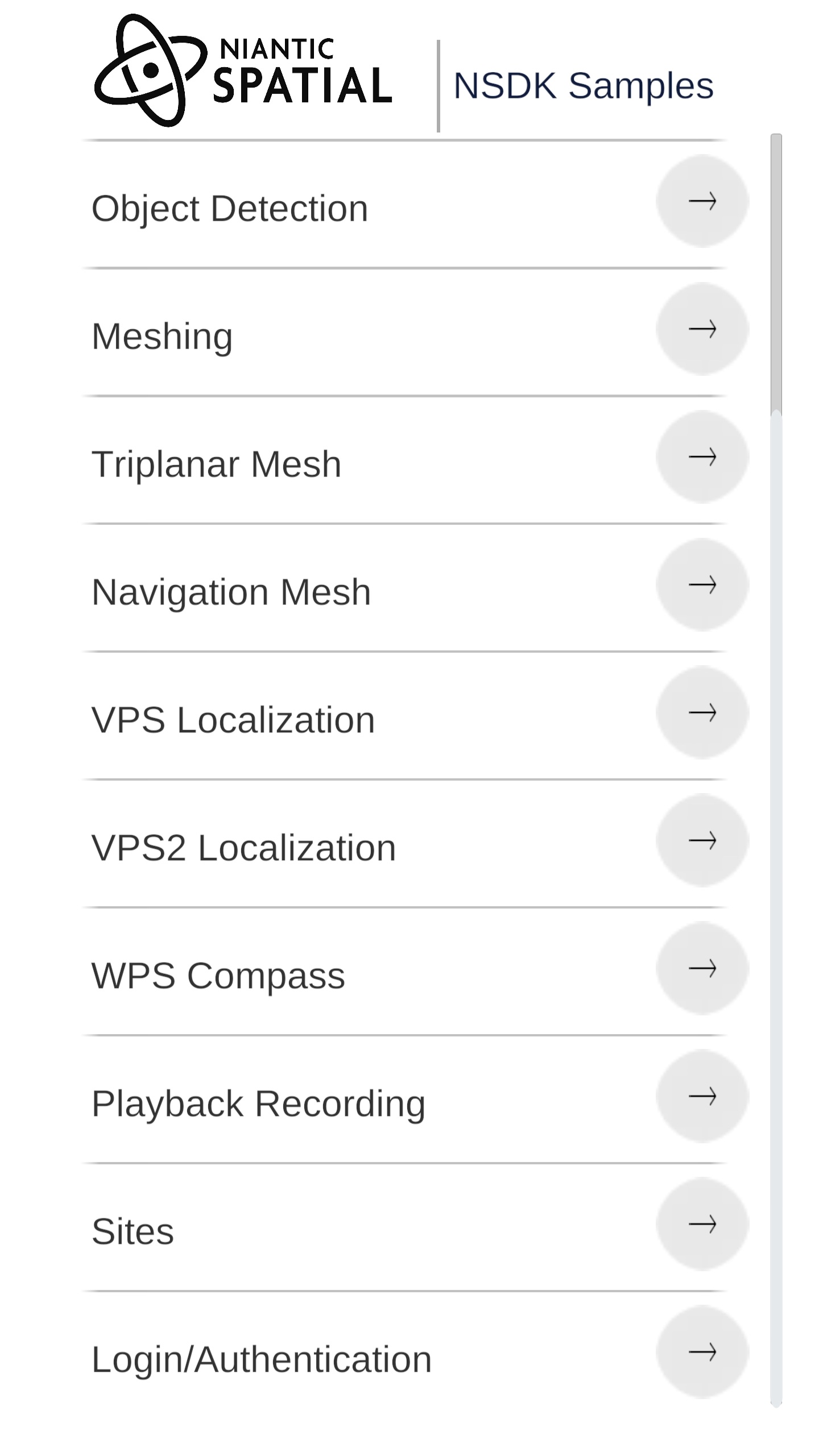 | These samples are designed to demonstrate the uses of each feature in our SDK. The sample project launches multiple small samples that you can try out and look though the code to learn how to get started with any feature. Step by step how-to guides are available to teach you how to to leverage each feature. |
Installing the Samples
- Android
- iOS
- Meta Quest 3
The samples are available on our GitHub: https://github.com/nianticspatial/nsdk-samples-csharp — after cloning, open the NsdkSamples folder in Unity Hub (Unity project root).
How to clone/download the samples:
git clone https://github.com/nianticspatial/nsdk-samples-csharp.git
or
Download the repo from https://github.com/nianticspatial/nsdk-samples-csharp using the code/download button on github.
Open the samples project in Unity by pressing Add in Unity Hub and browsing to the NsdkSamples folder inside the clone.
The samples are available on our GitHub: https://github.com/nianticspatial/nsdk-samples-csharp — after cloning, open the NsdkSamples folder in Unity Hub (Unity project root).
How to clone/download the samples:
git clone https://github.com/nianticspatial/nsdk-samples-csharp.git
or
Download the repo from https://github.com/nianticspatial/nsdk-samples-csharp using the code/download button on github.
Open the samples project in Unity by pressing Add in Unity Hub and browsing to the NsdkSamples folder inside the clone.
The Niantic Spatial Meta Plugin includes sample scenes designed for use with Meta Quest 3 in AR. While the UI will appear different, the functionality of these sample scenes are very similar to the sample scenes for iOS/Android mobile devices described below.
Meta Quest samples require a Niantic Spatial access token. For most development and internal testing, use a Developer Token. For more information, see the Authorization guide.
- Follow the steps to install NSDK for Meta Quest 3.
- In Unity, open the Window top menu, then select Package Manager.
- With Packages: Unity Registry selected, browse to and install the XR Interaction Toolkit (com.unity.xr.interaction.toolkit).
- With Packages: In Project selected, select the Niantic Spatial Meta Plugin, and from there select the Samples tab.
- Click Import to import the samples into your current project.
- Find the sample scenes under
Assets/Samples/Niantic Spatial SDK Meta Plugin/. - In the File top menu, select Build Settings.
- Drag the sample scenes that you wish to test into Scenes in Build. Ensure that the Home scene is at the top of the list.
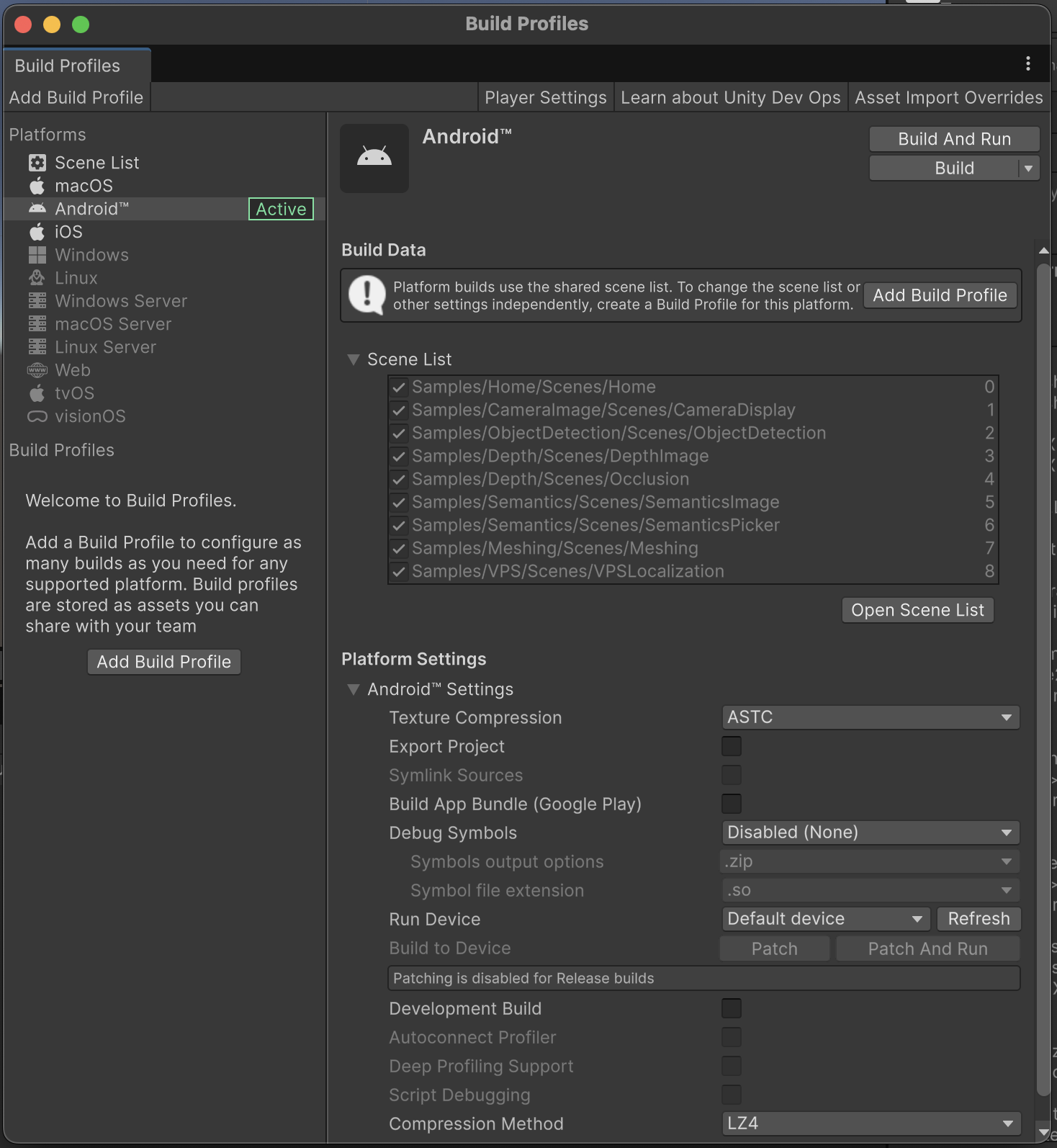
- In Unity, open the File top menu, then select Build Settings and click Build and Run when the Meta Quest 3 device is connected and awake to test out the samples.
Samples
Depth Display
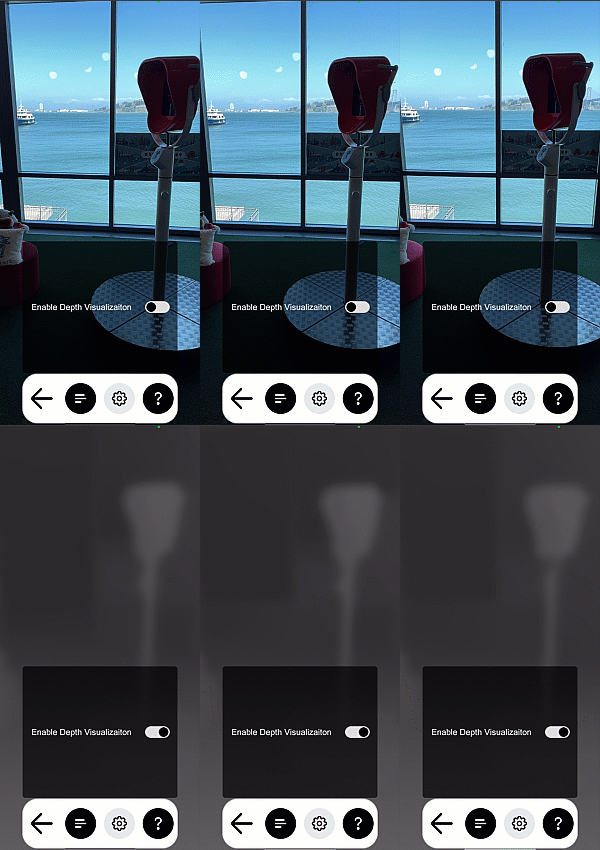 | The depth scene demonstrates how to get the depth buffer and display it as an overlay in the scene. Open DepthDisplay.unity in the Depth folder to try it out. |
Occlusion
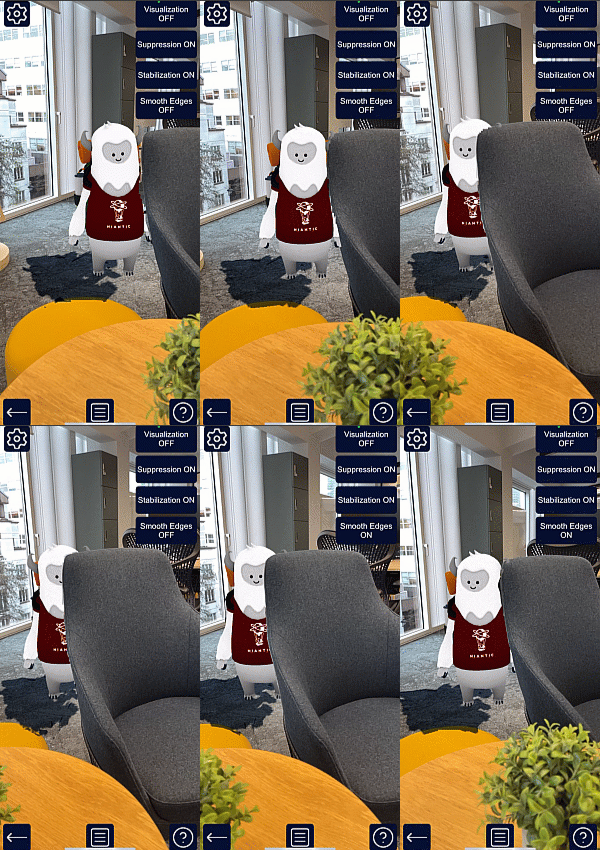 | This sample demonstrates occlusion by moving a static cube in front of the camera. Because the cube does not move, you can walk around and inspect the occlusion quality directly. To open it, see Occlusion.unity in the Depth folder. This sample also demonstrates two advanced occlusion options available in NSDK, Occlusion Suppression and Occlusion Stabilization. These options reduce flicker and improve the visual quality of occlusions using input from either scene segmentation or meshing. For more information on how these capabilities work, see the How-To sections for Occlusion Suppression and Occlusion Stabilization. |
Scene Segmentation
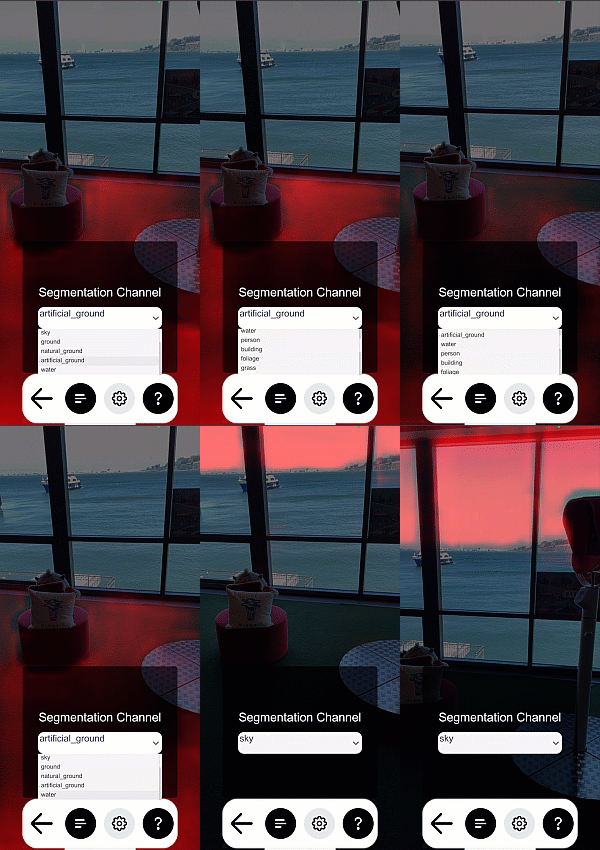 | This sample demonstrates scene segmentation by applying a shader that colors anything recognized on-screen as part of a semantic channel. To open this sample, see SemanticsDisplay.unity in the Semantics folder. To use this sample:
|
Meshing
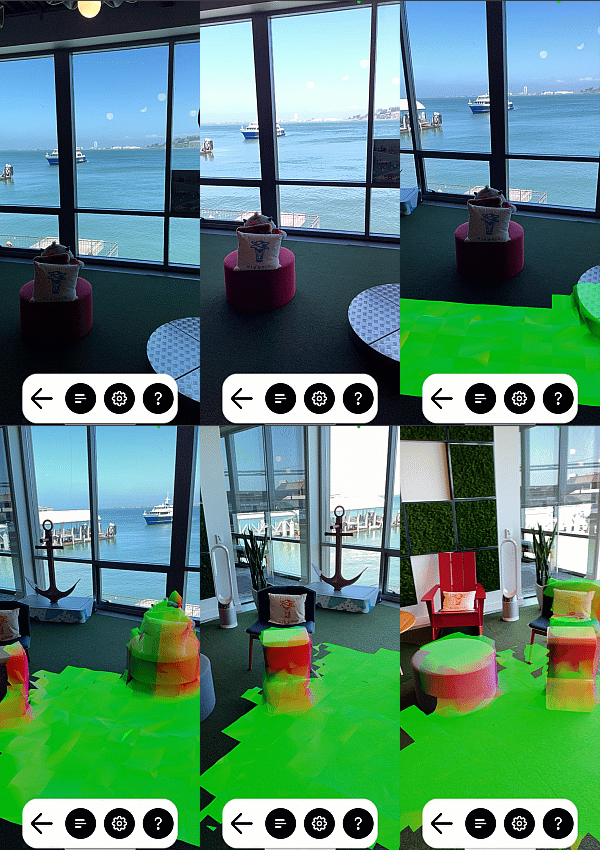 | This sample demonstrates how to use meshing to generate a physics mesh in your scene. It shows the mesh using a Normal shader, the colors represent Up, Right and Forward. To open this sample, see NormalMeshes.unity in the Meshing folder. |
Triplanar Mesh
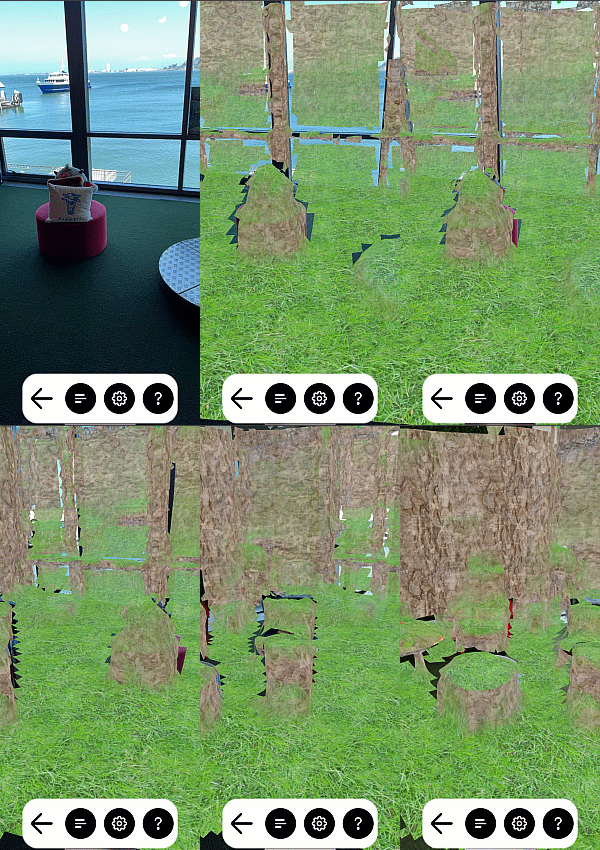 | This sample demonstrates how to texture an NSDK mesh. It works like the Meshing sample but uses an example triplanar shader that demonstrates one way to do world space UV projection. The sample tiles three textures in the scene; one for the ground, the walls, and the ceiling. To open this sample, see TriplanarMesh.unity in the Meshing folder. |
VPS2 Localization
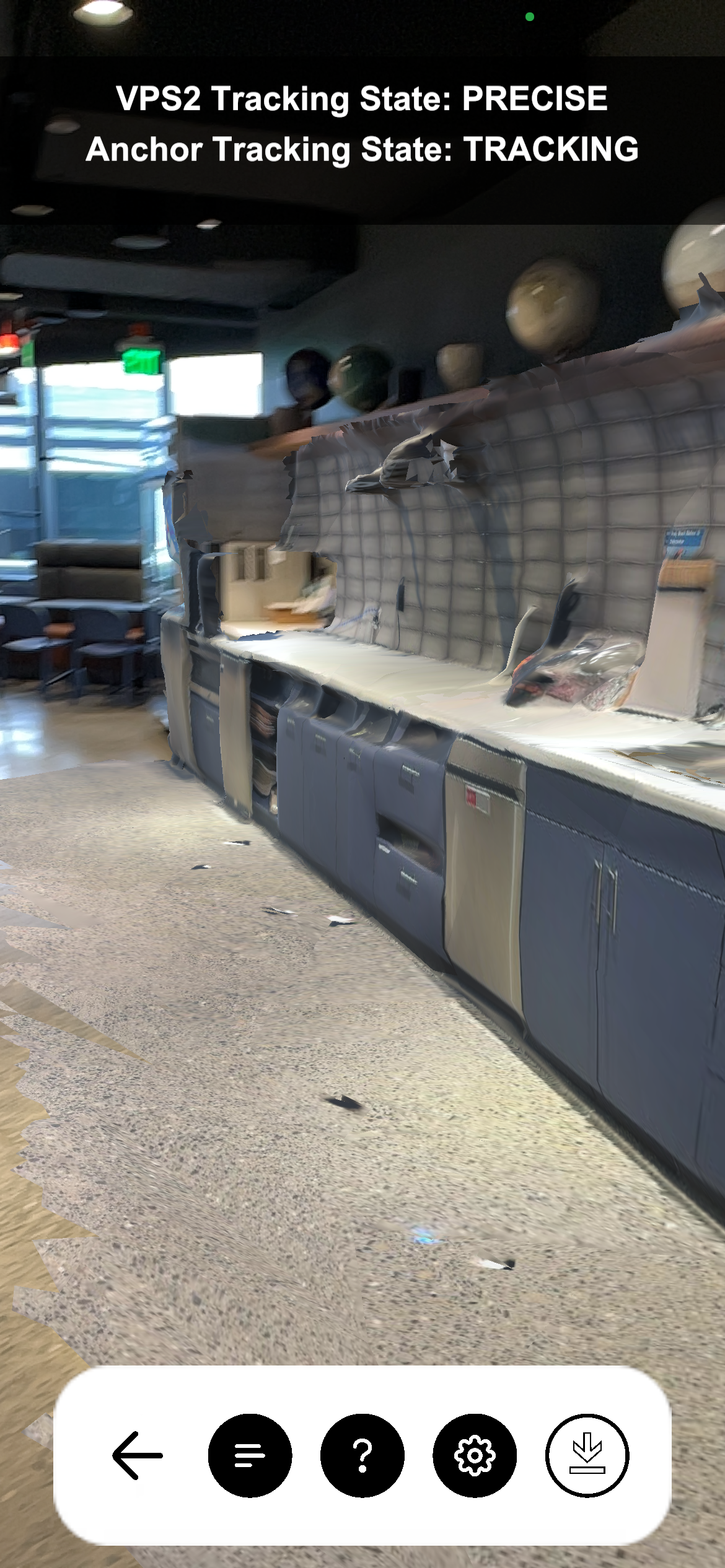 | Attention This sample requires Auth Login). This sample shows a list of sites in the selected Organization and allows you to choose a VPS Asset from the Sites API as a localization target, then interfaces with your phone's position to guide you to it. To open this sample, see VPS2Localization.unity in the PersistentAR folder. To use this sample:
|
Recording
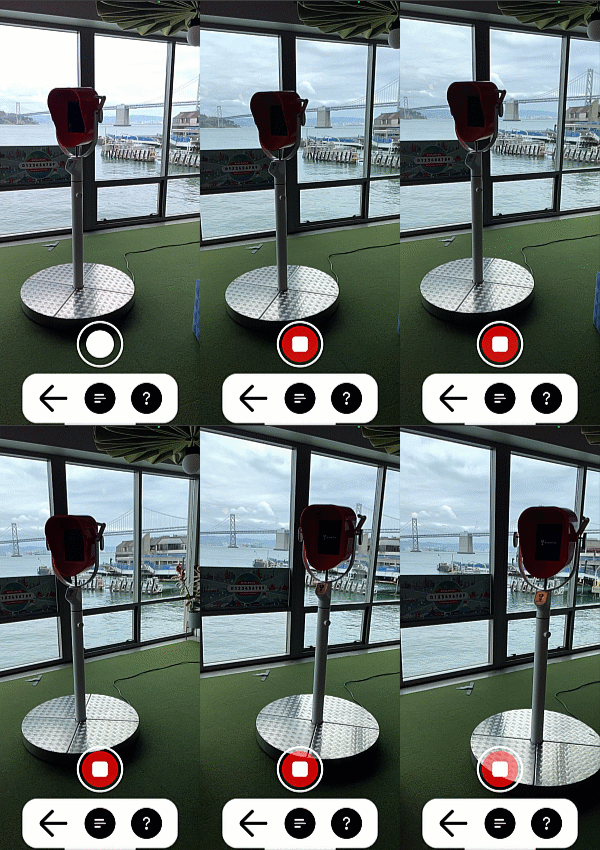 | This sample allows you to scan a real-world location for playback in your editor. To open this sample, see Recording.unity in the Scanning folder. To learn how to use this sample, see How to Create Datasets for Playback. |
Sites
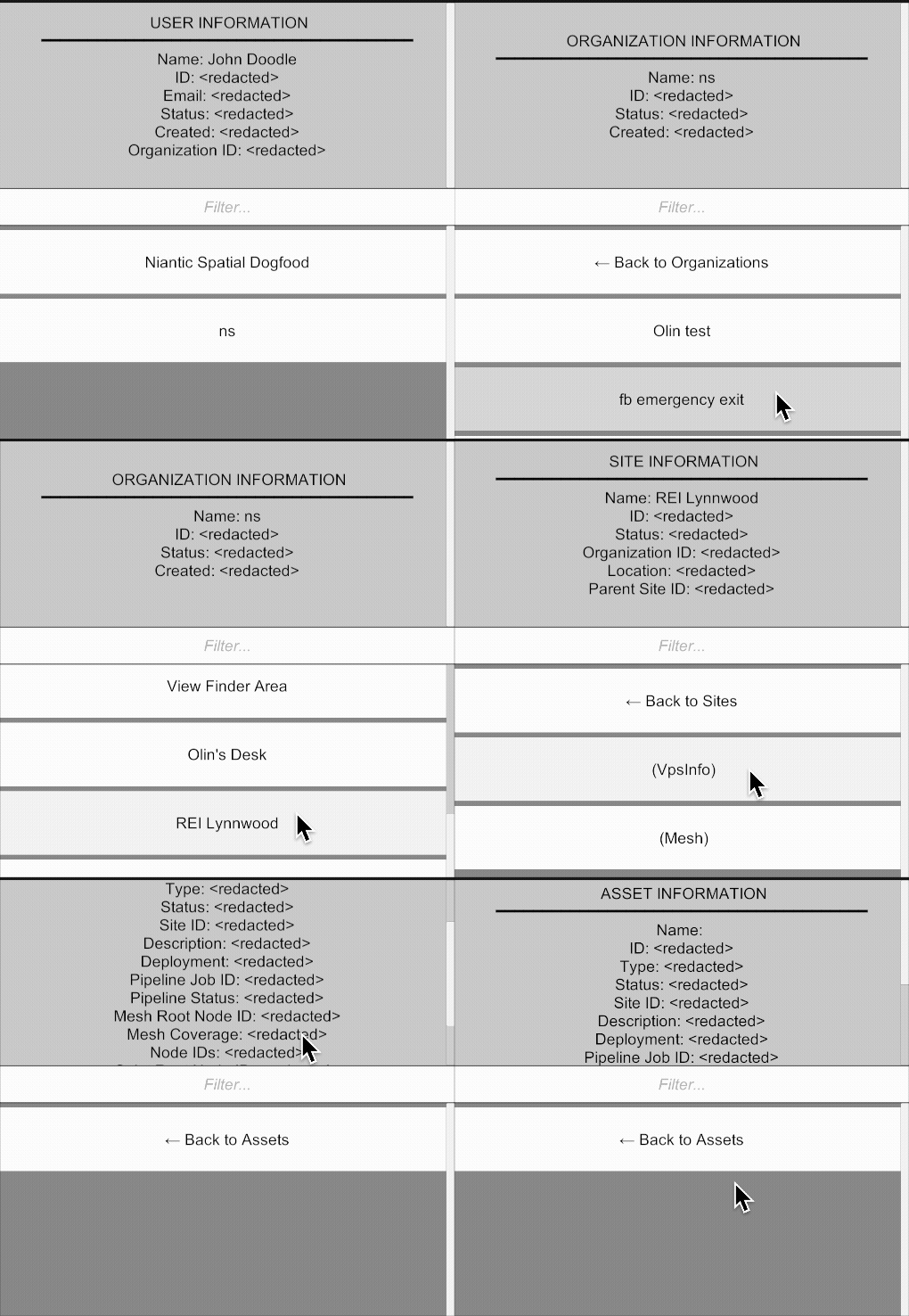 | The Sites feature provides access to organized entity data in the Niantic Spatial platform, enabling your application to discover and navigate the relationships between a user, organization, site, and spatial data asset. This feature allows you to query what spatial content is available to users and how it's structured within your organization. |
Auth
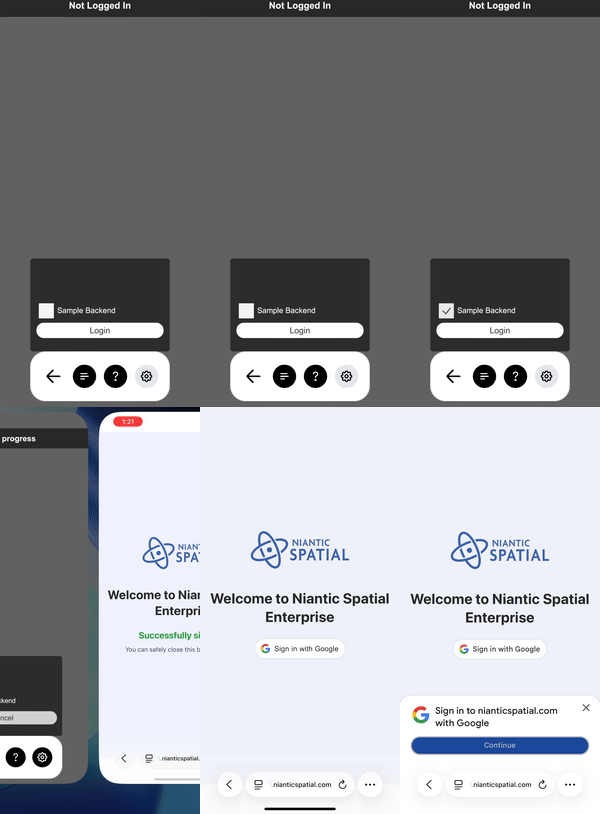 | This sample demonstrates different methods of authentication and authorization when working with NSDK. There is a toggle, leading to two options:
|